Digi Corp Landings | HTML | Tailwing | Multi-purpose Landing Templates
A set of responsive, professional landing page templates built with pure HTML and Tailwind CSS (CDN). Designed for selling website templates or jumpstarting client projects across common verticals.
Description
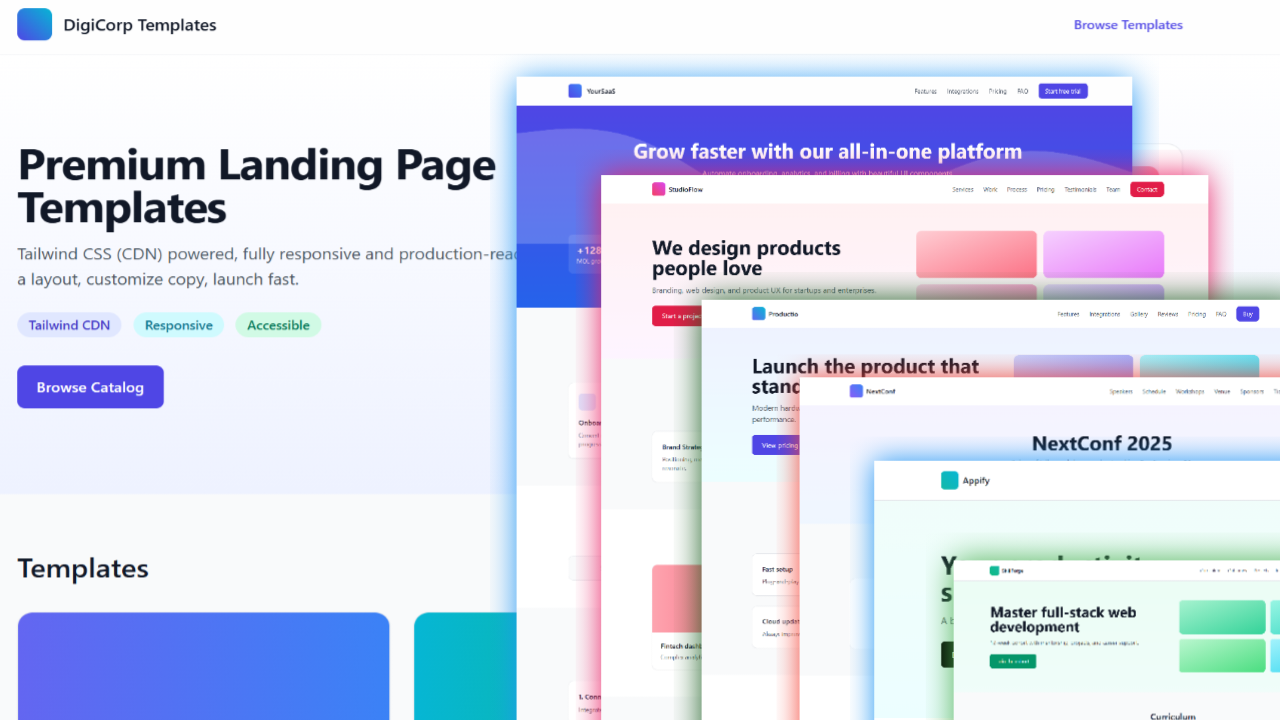
This project provides a landing page catalog (index.html) and six ready-to-use templates:
- SaaS
- Mobile App
- Agency / Portfolio
- Product
- Event / Conference
- Course / Education
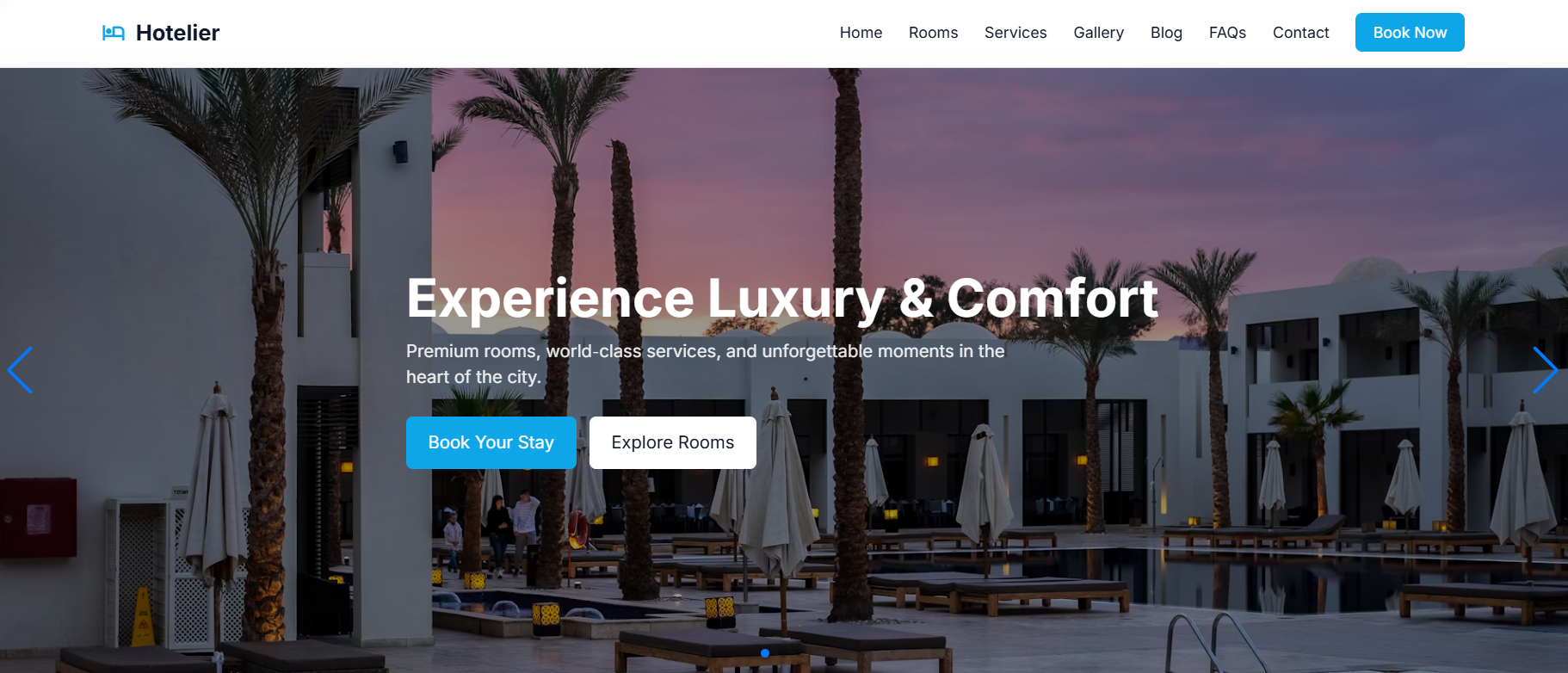
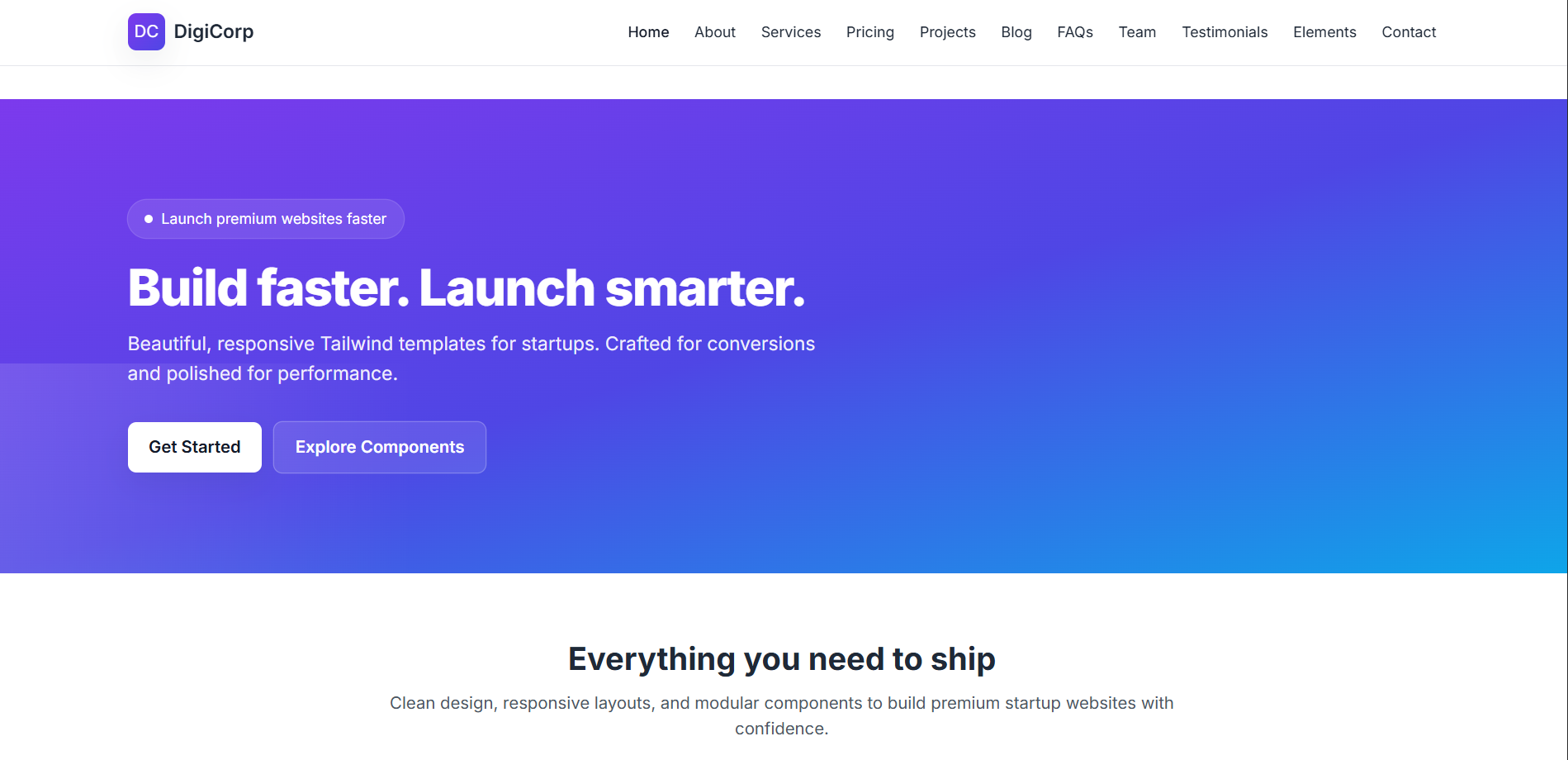
Each template includes a modern hero, clear navigation, core sections relevant to the vertical, and extra content for more comprehensive pages (e.g., FAQs, pricing, testimonials, integrations, workshops, projects).
Tech Used
- Tailwind CSS via CDN:
https://cdn.tailwindcss.com - Pure HTML files; no build steps or dependencies
- Works in any static hosting environment (GitHub Pages, Netlify, Vercel, S3, etc.)
Pages
index.html— Catalog landing linking to all templatessaas.html— Navigation, hero, features, testimonials, pricing, FAQ, integrations, security, contactapp.html— Header, hero, features, screenshots gallery, use cases, FAQ, CTAagency.html— Navigation, hero, services, selected work, process, packages, testimonials, team, contactproduct.html— Navigation, hero, features, integrations, gallery, reviews, pricing, FAQ, CTAevent.html— Header, hero, speakers, schedule, workshops, venue & travel, sponsors, tickets, FAQ, contactcourse.html— Header, hero, curriculum, outcomes, student projects, instructor, pricing, FAQ, apply CTA
A zipped bundle for distribution is included: Digi Corp.zip.
Quick Preview
Run a local server and open the catalog in your browser.
- Start (Python):
python -m http.server 8001 --bind 127.0.0.1 - Open:
http://127.0.0.1:8001/ - Navigate to individual pages from
index.html
Deployment
You can host these static pages anywhere.
- GitHub Pages
- Push the folder to a repo with
index.htmlat the root - Enable Pages in repo settings
- Visit the generated URL
- Push the folder to a repo with
- Netlify (drag-and-drop)
- Drag the project folder into Netlify
- Set publish directory to
/ - Deploy and share the site URL
- Vercel (import project)
- Import the folder as a new project
- Framework preset: None (Static)
- Deploy and use the generated URL
- Any static host
- Upload all
.htmlfiles and assets to your host’s public directory - Ensure the entry file is
index.html
- Upload all
Customization
- Update brand colors and gradients to match your identity
- Replace placeholder blocks in gallery, sponsors, and integrations with real logos/images
- Tailor copy in each section to your product/service
- Wire CTA buttons to actual forms, checkout, or contact pages
Recommended Structure for Website Post
Use this outline to publish a post announcing your template catalog.
Short Post
Launch your next site faster with DigiCorp’s Tailwind Landing Pages — six responsive templates for SaaS, Apps, Agencies, Products, Events, and Courses. Each page ships with modern UI, clear messaging, and practical sections like pricing, testimonials, FAQs, and more.
Longer Post
Introducing DigiCorp Landing Pages: a curated set of Tailwind CSS templates for common business verticals — SaaS, App, Agency, Product, Event, and Course. Each template is built with responsive, production-ready layouts and copy-ready sections.
The templates are pure HTML and work anywhere — deploy on GitHub Pages, Netlify, or any static host. Start locally with python -m http.server and open index.html to explore.
File Overview
landingpages/
├── index.html
├── saas.html
├── app.html
├── agency.html
├── product.html
├── event.html
├── course.html
├── product.md          (Product-focused marketing write-up)
└── Digi Corp.zip       (Zipped bundle for distribution)
Notes
- Keep copy benefit-led and accurate
- Ensure consistent navigation labels and section anchors across templates
- Consider adding forms or analytics before publishing
License & Attribution
Use and customize freely as part of your project. Tailwind CSS is included via CDN.